With most of my notes, they where written as im doing the task on stream. check the july 2 2026 ~1pm EST youtube vod for more context. https://www.youtube.com/watch?v=-wtbJCcX41A
This assumes you have copies of terrys anim graph and model in your projects asset folder. The official docs refer to this as “forking” terry
This not is very likely to change in the future. this was written july 2 2026
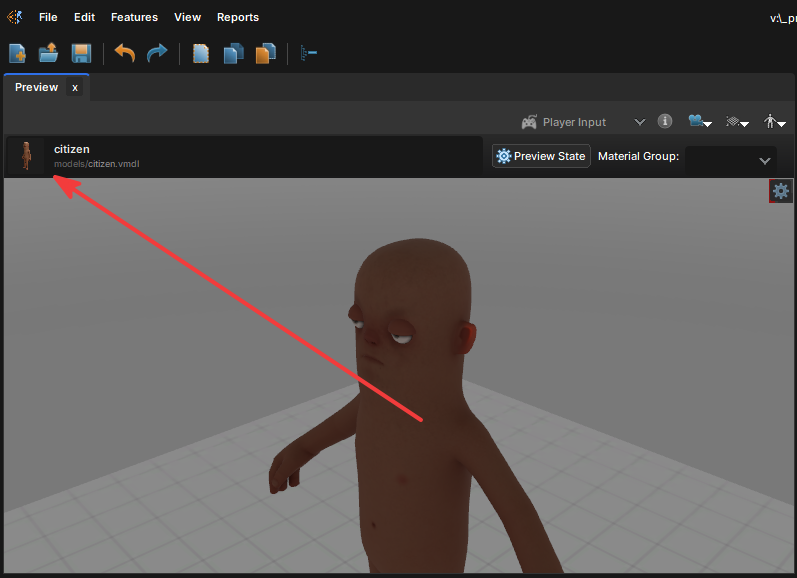
Point to your forked terry
Press the box in the top left of the preview window and point it to your copy of terry that is in your projects assets folder. I think this can point to model that has a Base Model in model doc but idk.
Adding Custom Hold Type
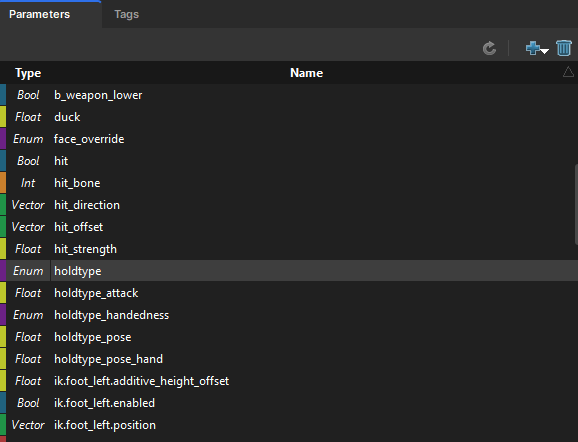
Add a new holdtype string to the holdtype enum. mine is called putter
I copied the Universal item hold nodes in the hold type area of the graph
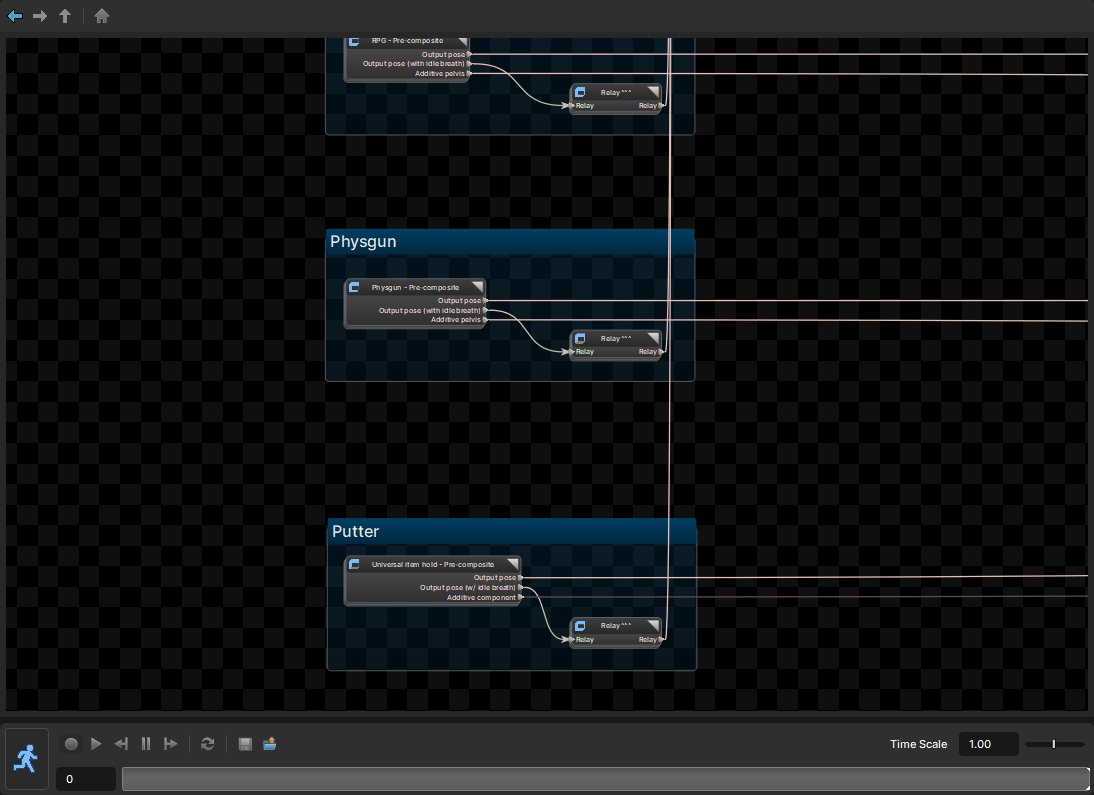 Since im copying the hold item pose im setting it up the exact same just to make sure things work (they didnt initially)
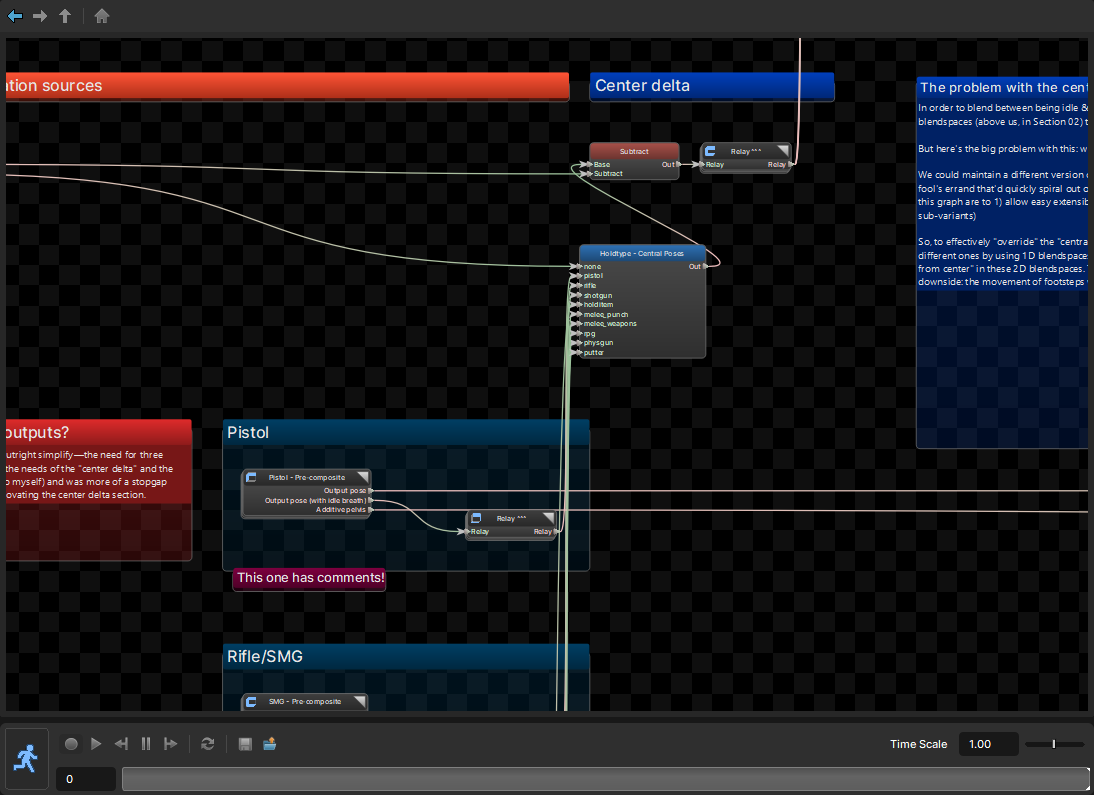
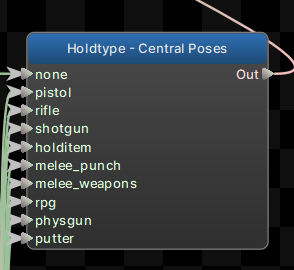
If you dont adjust this Holdtype - Central Poses the graph wont like it and you will get a T pose when setting your hold type. THERE AREA A FEW LOCATIONS THAT CONTAIN THIS HOLD TYPE SELECTOR. This blue node is a selector node. Fine all holdtype selectors and adjust them to use your new hold type. For me its just a matter of connecting wires.
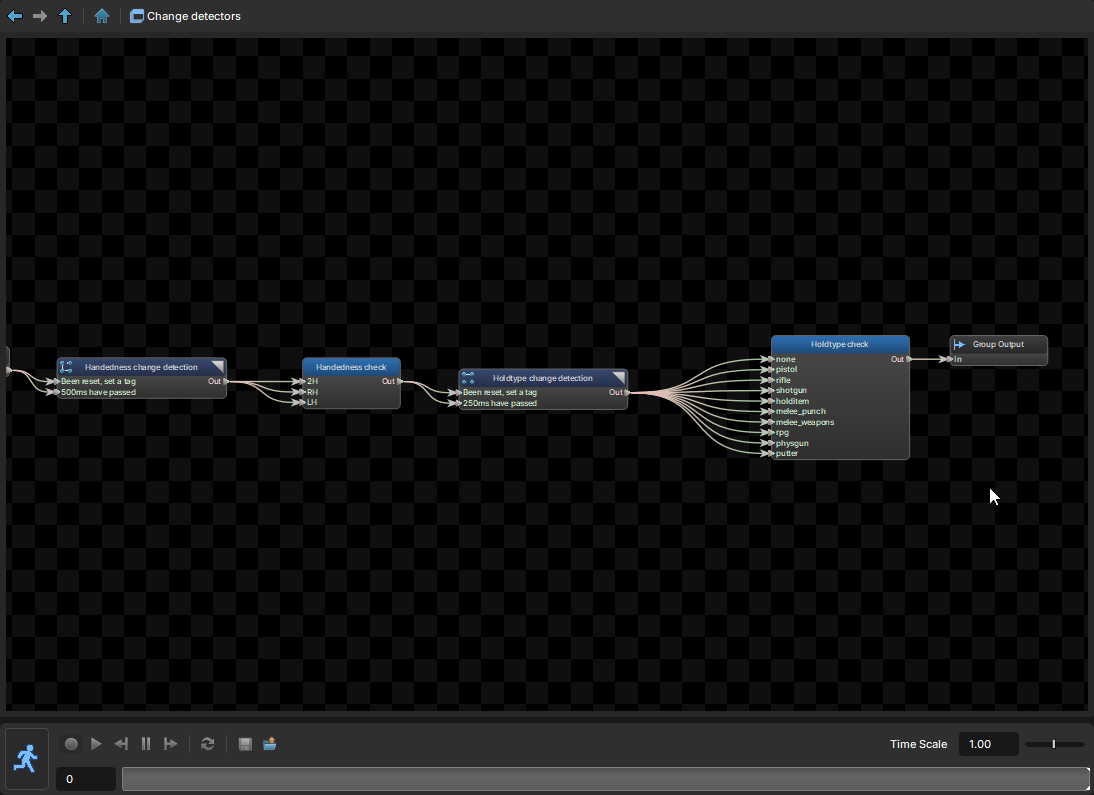
 For me there was a sneaky hold type selector near the final pose node. inside the
 Change detectors sub graph.
If you have T posing issues and cannot find where its fucked.
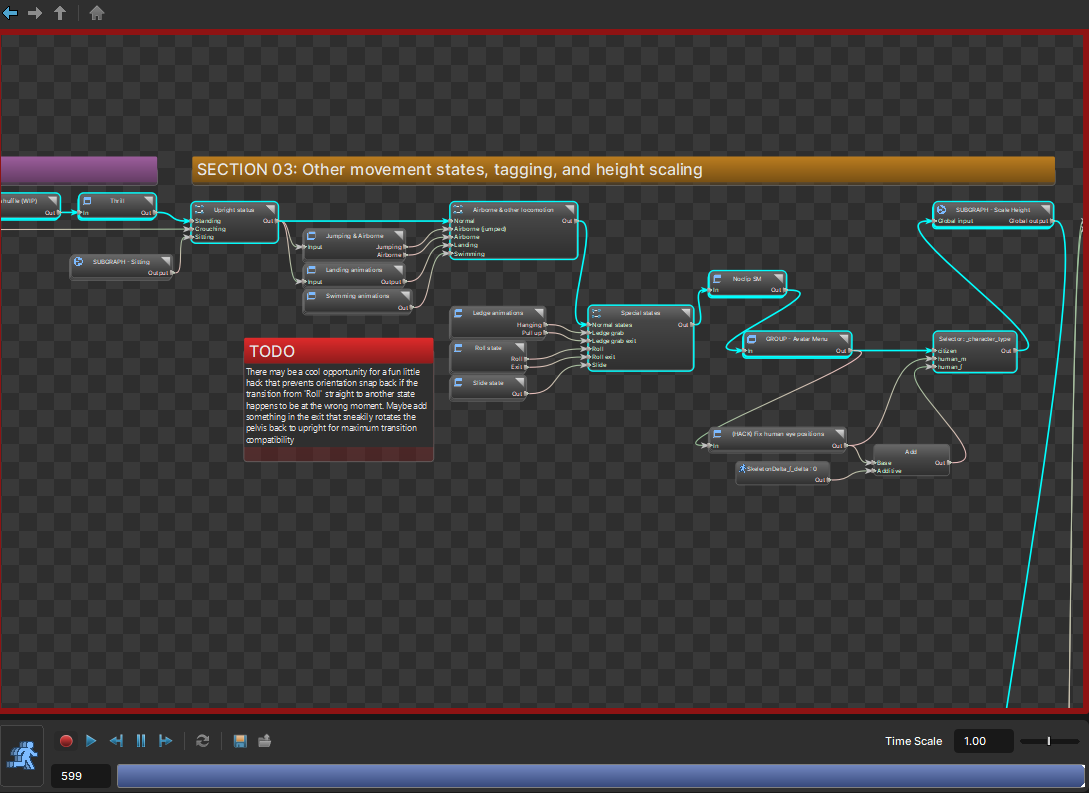
Toggle preview mode by pressing the little running man icon and follow the teal highlighted nodes. This teal highlighting should travel most of the graph (left to right) if it stops at a node, investigate if you missed something related to your hold type where the highlight stopped